Aqara 2K Indoor Security Camera E1 Review
The Aqara E1 is a budget indoor security camera with 2K, pan/tilt and 24/7 recording, but three catches are worth knowing first.
As an Amazon Associate I earn from qualifying purchases.
Before you unbox this, know that despite the Wi-Fi 6 badge, it only connects over 2.4GHz. That single line in the fine print is the first thing I want you to know before you buy this indoor security camera. Wi-Fi 6 does bring some real benefits in congested networks, but if you were expecting the 5GHz speed and range that people usually associate with Wi-Fi 6, that’s not what you’re getting here.
Quick Verdict
2K resolution, full 360° pan and tilt, and 24/7 recording on a microSD card up to 512GB for a budget price. There are three catches, and the biggest one is that this “Wi-Fi 6” camera only ever talks over 2.4GHz.
Buy if you:
- Live in the Apple Home world and want HomeKit Secure Video
- Want pan/tilt coverage of a room without buying multiple cameras
- Plan to record 24/7 locally on a microSD card instead of paying for cloud
- Want a budget indoor security camera that still does 2K
Skip if you:
- Expect full pan/tilt controls inside Apple Home, Alexa or Google (those are limited, only the Aqara app has everything)
- Were counting on 5GHz Wi-Fi speed, this one is 2.4GHz only
- Don’t want to buy a microSD card separately just to record
| Resolution | 2K, 2304 × 1296 px |
|---|---|
| Lens & motor | f/2.0 wide angle, 360° pan/tilt |
| Storage | microSD up to 512GB, NAS, cloud |
| Wi-Fi | Wi-Fi 6 (2.4GHz only), WPA3 |
| Power | USB-C, 5V 2A supply (not included) |
| Platforms | Apple Home (HomeKit Secure Video), Alexa, Google, IFTTT |
The Wi-Fi 6 Badge Is Doing Some Heavy Lifting
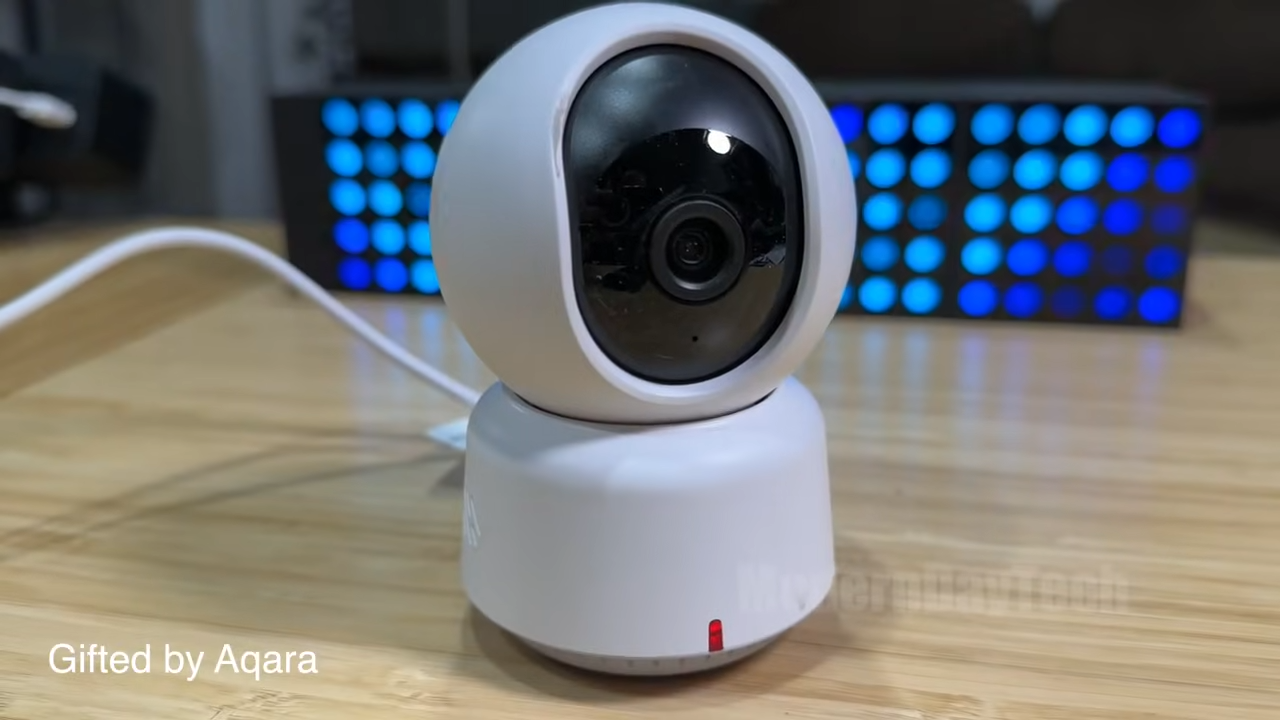
For a camera streaming a 2K feed, 2.4GHz is usually fine. It travels through walls better than 5GHz anyway. But the marketing sets an expectation the hardware doesn’t fully meet, and that bugs me. Know going in that this sits on the same crowded 2.4GHz band as your smart plugs and everything else in the house.
What The E1 Actually Packs In
The sensor is 2K (2304 × 1296 px) with a wide f/2.0 lens and a full 360° pan motor, a spec list that would sit comfortably on a camera costing twice as much. The 940nm infrared night vision is the detail I’d highlight to anyone putting this in a bedroom or nursery: unlike the cheaper 850nm emitters that cast a dim red glow you can actually see, 940nm is genuinely invisible in a dark room.
It runs off USB-C, which I appreciate, though the listing notes you need a 5V 2A supply and it isn’t in the box. There’s on-device person detection thanks to a built-in NPU, a physical privacy mode that pivots the lens away and shuts the camera off, and WPA3 support. For Apple households, it does full HomeKit Secure Video with end-to-end encryption.
Pan And Tilt Only Really Lives In The Aqara App
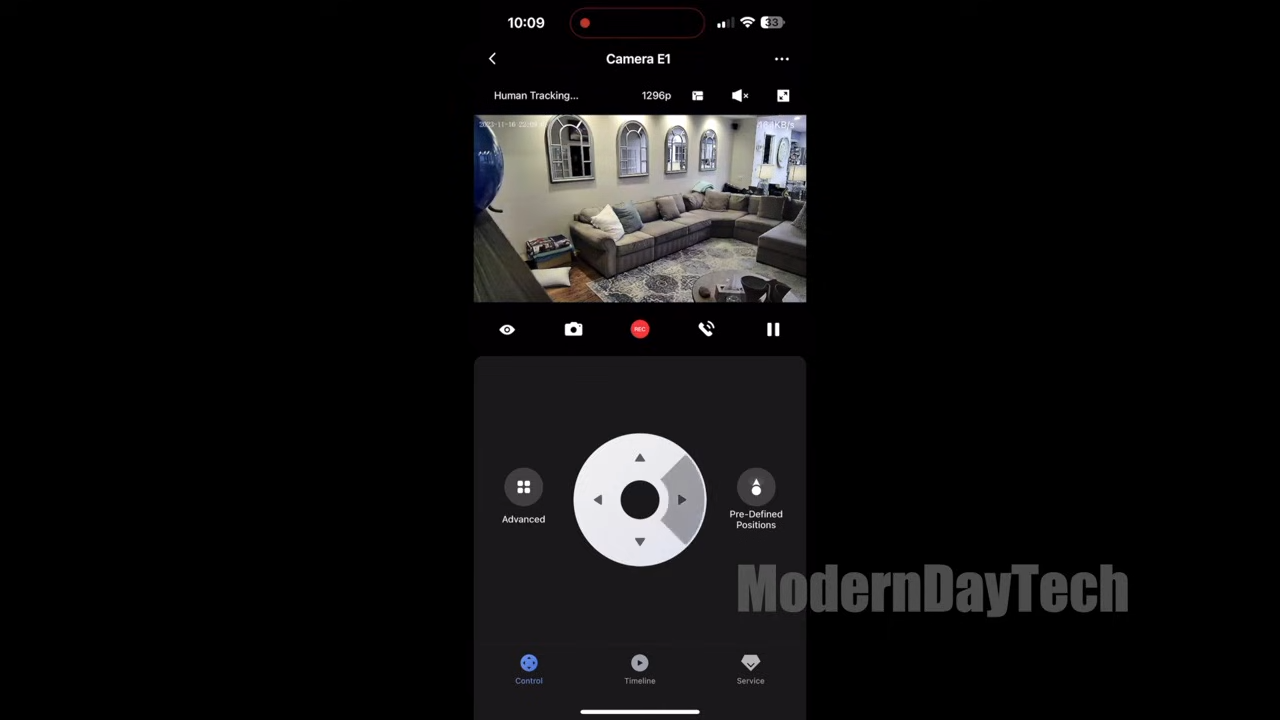
Full pan and tilt controls live only in the Aqara app, Apple Home, Alexa and Google get stripped-down versions. That’s the second thing you need to know. The E1 advertises HomeKit, Alexa and Google support, and it does connect to all of them, but the moving controls are stripped down on those platforms. If you want to swing the camera a full 360° on demand and use person tracking properly, you’re doing that in Aqara’s own app.
For a lot of people that’s a shrug. You set it up, you point it where you want, done. But if your whole smart home lives in Apple Home and you were hoping to pan the camera straight from there, temper that expectation. The third-party integrations are more about viewing the feed and triggering scenes than steering the lens.
The Cloud Storage Math I’d Skip
The E1’s cloud storage plan is the one cost I’d skip without a second thought. It’s a per-camera annual fee, the exact number shifts, but at the price it’s been listed, you’re paying roughly the same per year as a second budget camera. Multiply that across three or four units and you’re funding a subscription that buys you nothing a microSD card doesn’t already cover for free.
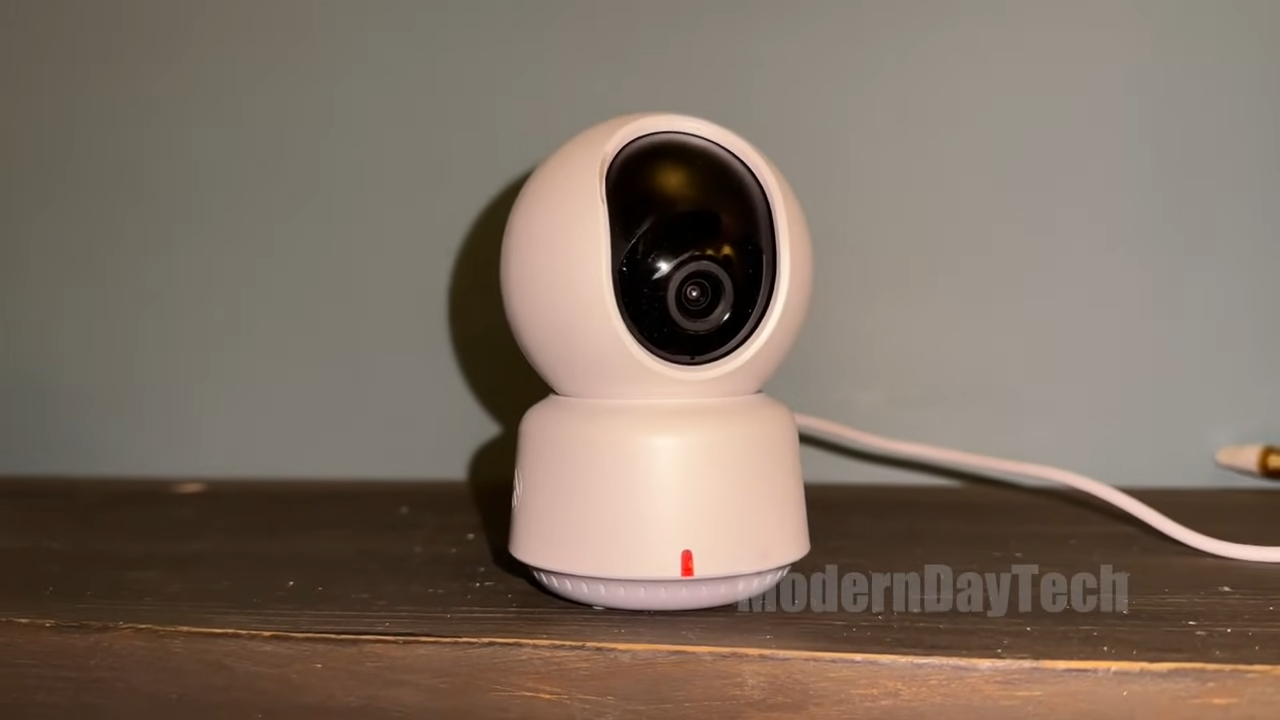
The good news is you don’t have to. This camera does 24/7 continuous recording in full quality on a microSD card up to 512GB, and it can back that up to an SMB3-compatible NAS. If you already have a NAS or you’re happy dropping in a big memory card once, you get local recording with no recurring fee. The catch: the microSD card isn’t included, so budget for one on top of the camera. It’s an easy step to forget until the camera is mounted and there’s nowhere for the footage to go.
Get it now
Aqara E1 Indoor Security Camera
Get the best price on Amazon →As an Amazon Associate I earn from qualifying purchases.

Who The E1 Fits Best
One E1 can replace two fixed cameras, the 360° pan covers a full living room or nursery corner-to-corner without repositioning. Apple households get the most out of it: HomeKit Secure Video adds end-to-end encrypted recording that neither Wyze nor most Eufy cameras at this price can match. Alexa and Google users get the live feed, but little else worth getting excited about.
It’s a strong pick if you’re the type who wants to record locally and avoid subscriptions. Drop in a microSD card, point it, and you’ve got 24/7 footage with no monthly bill. If you cross-shop Wyze or Eufy indoor cameras, the E1’s HomeKit Secure Video support and NAS backup are the features that set it apart in this price range.
Setup Advice Before You Mount It
Buy the microSD card and a 5V 2A USB-C power supply before the camera arrives. Neither is in the box, and both are easy to overlook. Sort them first and setup is smooth in one sitting.
Do your pan and tilt configuration and person-tracking setup inside the Aqara app, since that’s where the full controls live. Add it to Apple Home, Alexa or Google afterward for the daily viewing and automations. And go in knowing it joins your 2.4GHz network, not 5GHz, so place it where that band reaches cleanly.
Pros
- Sharp 2K resolution with a full 360° pan/tilt motor
- 24/7 local recording on microSD up to 512GB, plus NAS backup, no subscription needed
- Full HomeKit Secure Video support for Apple households
- 940nm night vision that won’t glow red in a dark room
- USB-C power and a physical privacy mode that pivots the lens away
Cons
- Marketed as Wi-Fi 6 but connects only over 2.4GHz, no 5GHz benefit
- Full pan/tilt controls only work in the Aqara app, limited on Apple Home, Alexa and Google
- Cloud storage plan costs a yearly fee per camera I wouldn’t pay
- microSD card and power supply aren’t included
What we’d improve
Three things the next version could tidy up:
- The Wi-Fi 6 labeling, either add 5GHz support or drop the framing that leads buyers to expect it. 2.4GHz only should be front and center, not buried in a note.
- Pan/tilt on third-party platforms, giving Apple Home, Alexa and Google users at least basic lens steering would make the multi-platform claim feel complete.
- Include a power supply, the camera needs a 5V 2A adapter to run and it isn’t in the box, which is an annoying extra step for a budget product.
Frequently Asked Questions
Does the Aqara E1 need a subscription to work?
No. You can record 24/7 locally on a microSD card up to 512GB with no recurring fee. The cloud plan is optional, and it’s a per-camera yearly cost I’d skip in favor of local storage or NAS backup.
What platforms is it compatible with?
It works with Apple Home (including HomeKit Secure Video), Alexa, Google, and IFTTT. Just remember the full pan/tilt controls are only in the Aqara app, while the other platforms are more limited.
Do I need an iCloud subscription for HomeKit Secure Video?
Yes. HomeKit Secure Video requires an active iCloud plan and an Apple Home hub. If you’re not in the Apple ecosystem, you can still use the camera through the Aqara app with local recording instead.
Will it connect to my 5GHz Wi-Fi?
No. Despite the Wi-Fi 6 badge, the E1 only connects over 2.4GHz. Make sure your router’s 2.4GHz band reaches wherever you plan to mount it.
Is a microSD card included?
No, you buy the card separately. It supports up to 512GB for continuous 24/7 recording, so pick one up before setup if you want local storage from day one.
Can I back up recordings to a NAS?
Yes. Local microSD recordings can be backed up to an SMB3-compatible NAS. You’ll need NAS hardware and SMB-compatible software set up on your network for it to work.
How does it compare to Wyze or Eufy indoor cameras?
The E1’s standout over most Wyze and Eufy indoor cameras is full HomeKit Secure Video support plus NAS backup at a budget price. If you don’t use Apple Home, the differences narrow and it comes down to which app and storage setup you prefer.
Does the night vision light up the room?
No. It uses a 940nm infrared backlight that’s designed not to throw a visible red glow, so it won’t disturb you in a bedroom or nursery at night.
How is it powered?
Over an industry-standard USB-C port. You’ll need a 5V 2A power supply, which isn’t included in the box, so grab one along with your microSD card.
Clicking takes you to the seller's website. We may earn a small commission if you purchase, at no extra cost to you.
Get it now
Aqara E1 Indoor Security Camera
Get the best price on Amazon →As an Amazon Associate I earn from qualifying purchases.