SwitchBot Lock Vision Pro Smart Lock Review: So Close, Yet So Far
The SwitchBot Lock Vision Pro packs face recognition, palm vein, and fingerprint entry into one deadbolt. Here's what works and what falls short.
As an Amazon Associate I earn from qualifying purchases.
Seven different ways to get through one front door. That’s the pitch, and it’s a bold one. The SwitchBot Lock Vision Pro stacks 3D face recognition, palm vein, fingerprint, NFC, PIN, app, and an old-fashioned physical key into a single deadbolt. After three weeks of daily use—face unlock on my commute, palm vein when my hands were full of groceries, fingerprint when I stumbled in late—I landed on the title: most methods work, but not all seven sing equally.
Quick Verdict
Seven ways in, face recognition in under a second, and a battery rated for a full year. The Lock Vision Pro throws every unlock method it can at your front door, and most of them land. The “so close, yet so far” part is real though, and it kept this off my top shelf.
Buy if you:
- Want a household where face, palm vein, and fingerprint all work on one lock
- Have an elderly parent who’d rather wave a hand than line up a fingerprint
- Want Matter support without buying a separate hub or bridge
- Are tired of manually locking behind you every time you leave
Skip if you:
- Want a lock that gets every single method right with zero quirks, because this one is close but not flawless
- Prefer a smaller, less bulky deadbolt on the exterior of your door
- Don’t need seven unlock methods and would rather pay less for two
| Unlock methods | 7 (face, palm vein, fingerprint, NFC, PIN, app, key) |
|---|---|
| Face recognition | 3D structured light, 20,000 IR dots, under 1 sec |
| Battery | 10,000mAh, up to 12 months + CR123A backup |
| Connectivity | WiFi (no hub) + Matter, Apple Home, Alexa, Google |
| Install | 15-min DIY, Phillips screwdriver, BHMA tested |
The Lock Vision Pro Wants To Be Every Lock At Once
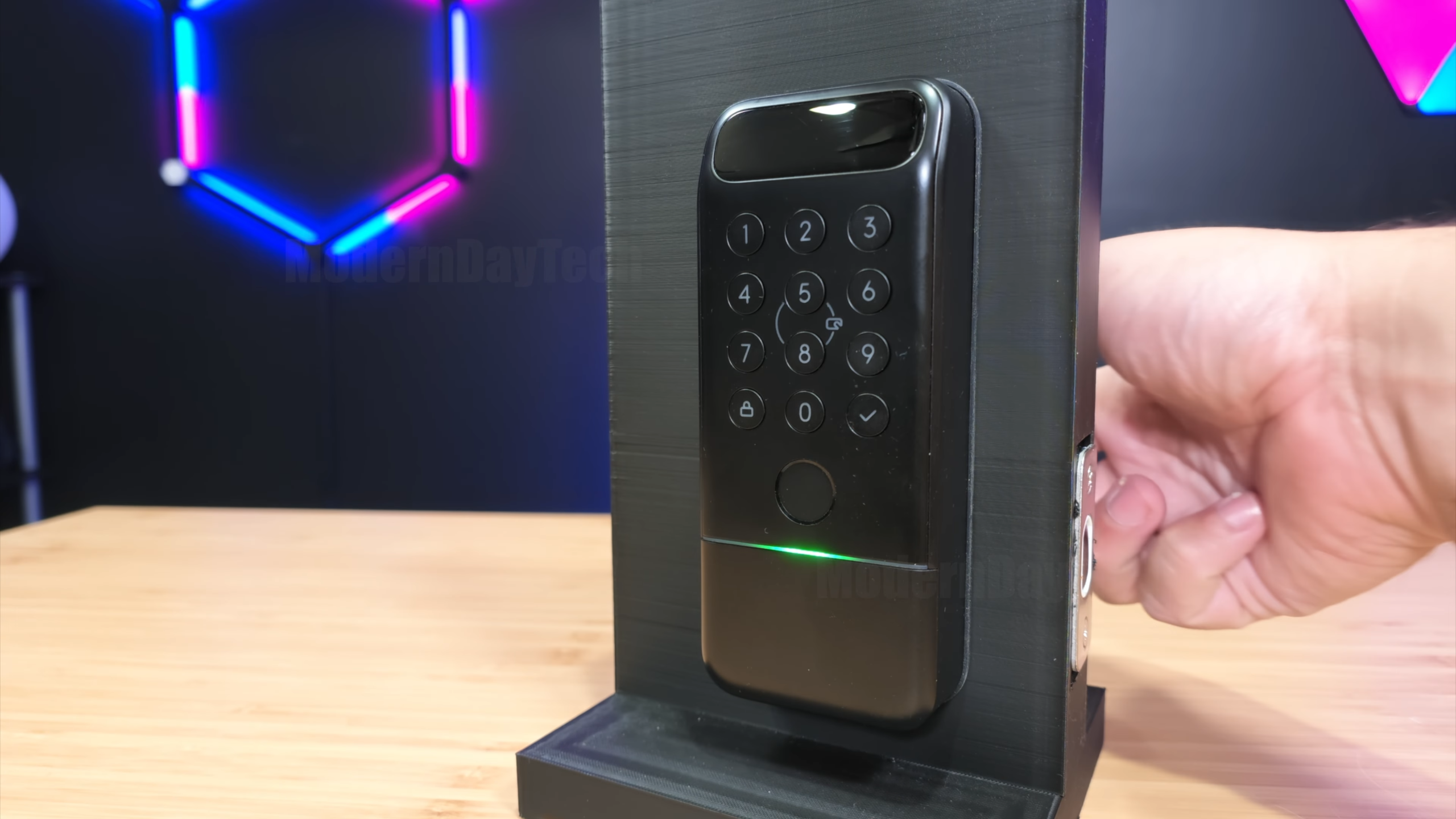
This isn’t a stripped-down keypad lock. It’s SwitchBot swinging for the fences on the whole biometric category, and that ambition is exactly what makes it interesting and occasionally frustrating.
What’s Actually Packed Into This Thing
The headline feature is 3D face recognition that reads in total darkness. SwitchBot uses structured light with 20,000 IR dots and claims recognition in under a second. Then there’s palm vein, which reads your hand from 3 to 10 inches away with no contact at all, and a fingerprint reader that stores up to 90 prints and reads in 0.3 seconds.
Round that out with NFC cards (up to 100), PINs for family and guests, app unlock, geo-fencing over Bluetooth, and a physical key for the days technology decides to have a mood.
Face Recognition Is The Star, And It Mostly Delivers
The face unlock is the fun part. Walk up, look at it, door’s open before you’ve finished reaching for the handle. SwitchBot’s under-one-second claim felt about right in daily use, and because it’s 3D structured light rather than a plain camera, it kept working in the dark instead of leaving me squinting at a keypad at night.
The palm vein reading is the sleeper feature. No contact, no lining up a fingerprint, just a wave of the hand from a few inches out. If you’ve got an older parent or anyone who struggles with a tiny fingerprint sensor, that alone changes how welcome a smart lock feels in the house.
Auto-lock is the quiet hero. The built-in geomagnetic and accelerometer sensors detect the door closing and lock instantly, no countdown timer. Pull the door shut with your hands full of bags and it locks behind you. That’s the kind of thing you stop noticing, which is exactly what you want from a lock.
The “So Far” Part You Should Know About
Here’s the catch that keeps this from a straight recommendation: with seven unlock methods crammed into one device, not every one of them feels equally polished. Layering face, palm vein, fingerprint, NFC, PIN, app, and key means more setup, more moving parts, and more places for a quirk to creep in. The lock is trying to be everything, and stretching that thin shows.
The exterior unit is also on the bulky side. All that sensor hardware, the IR dot projector, the palm vein reader, the fingerprint pad, has to live somewhere, and it makes for a chunkier footprint on your door than a plain keypad lock. If a slim, minimal look matters to you, this is a thing to weigh before you order.
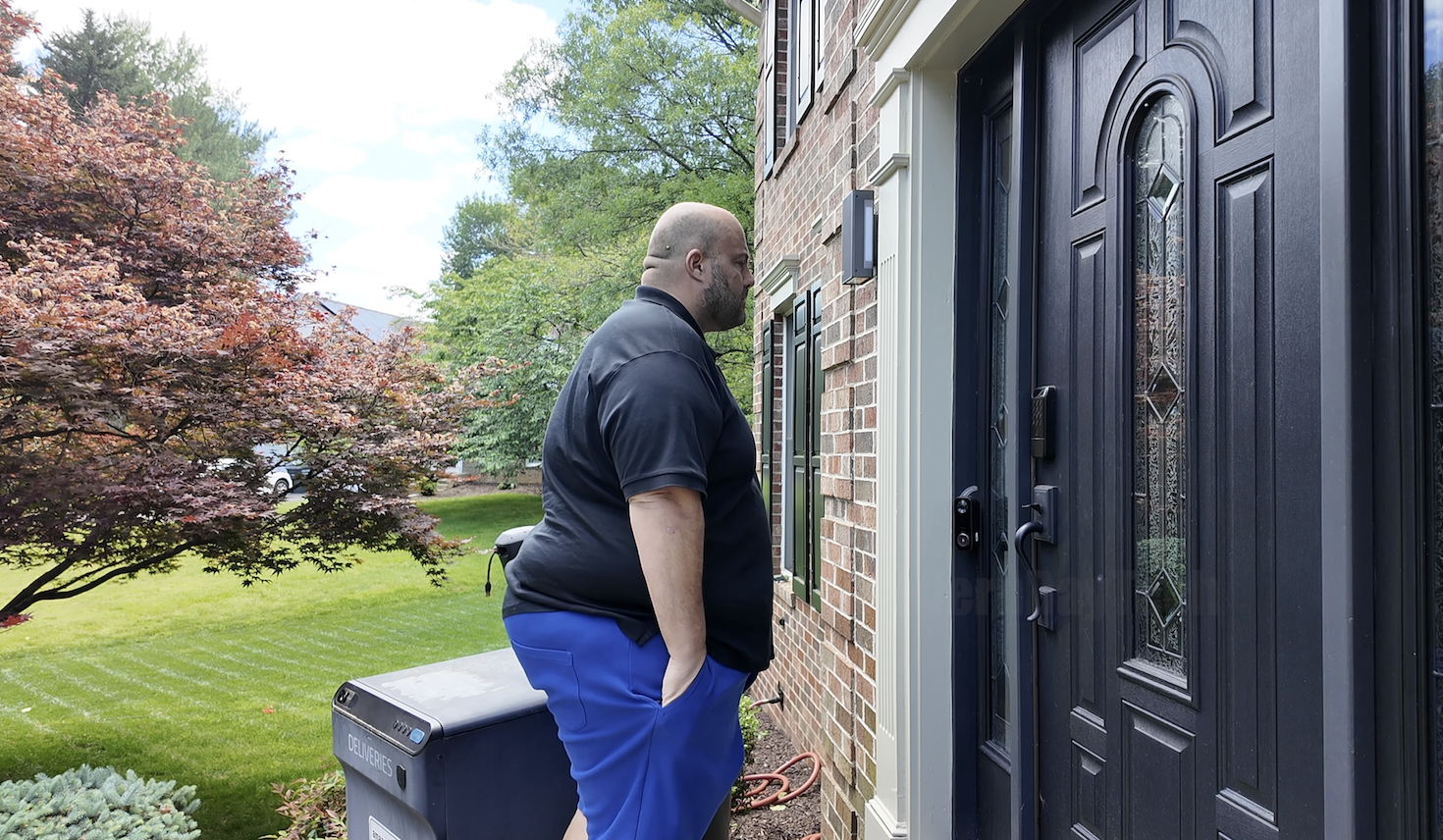
None of this is a deal-breaker. But “so close, yet so far” is the phrase because the hardware promises more than the everyday experience fully cashes in. Worth knowing before the box shows up.
Get it now
SwitchBot Lock Vision Pro
Get the best price on Amazon →As an Amazon Associate I earn from qualifying purchases.

Who This Lock Vision Pro Fits Best
This is a lock for a mixed household. The whole premise falls apart if you’re a single person who’d happily unlock with one fingerprint. It comes alive when everyone under the roof unlocks differently: you get the face recognition after work, your parent waves a palm, your teenager taps a finger on the way out the door.
It’s also a strong pick if you’re building out a smart home and want native Matter over WiFi with no proprietary bridge. It talks to Apple Home, Alexa, Google, and Home Assistant, and there’s no monthly subscription to use the app. Pair it with the SwitchBot Video Doorbell and you can see a visitor and unlock remotely.
How It Stacks Against A Basic Keypad Smart Lock
A plain keypad or fingerprint smart lock will cost less and sit slimmer on your door. That’s the trade. If all you want is to ditch physical keys, one of those does the job without the bulk or the setup runway.
Where the Lock Vision Pro pulls ahead is breadth. No hub required, seven entry methods, 3D face recognition that works in the dark, palm vein for hands-free entry, and a 12-month battery with a CR123A backup good for 500 emergency unlocks. A basic lock can’t touch that spread. You’re paying for range, and whether that range is worth it depends entirely on how many different people use your door.
Setup Tips Before You Mount It
15 minutes, one Phillips screwdriver, no drilling or locksmith needed—this replaces your existing deadbolt with zero contractor overhead. Before you buy, measure your door: it fits a crossbore of 38 or 54mm, thickness of 35 to 55mm, and a backset of 60 or 70mm. Most US doors land inside that, but a two-minute check saves a return.
Take your time enrolling everyone’s biometrics up front. With face, palm vein, and fingerprint all on the table, a careful first session pays off every day after. And don’t skip the CR123A backup batteries, they’re your safety net when the main 10,000mAh pack eventually runs down.
Pros
- 3D face recognition works in total darkness and unlocks in under a second
- Palm vein reading is contactless and genuinely useful for hands full or elderly users
- Instant auto-lock with no countdown, thanks to the door sensors
- Matter over WiFi with no hub, plus Apple Home, Alexa, and Google support
- 12-month battery, USB-C emergency charging, and a CR123A backup
Cons
- Seven unlock methods mean more setup and more places for quirks to appear
- The exterior unit is bulkier than a plain keypad lock
- Overkill for a single-person household that only needs one entry method
Frequently Asked Questions
Does the Lock Vision Pro need a hub or bridge?
No. It connects directly to WiFi with no bridge, so you can manage access, check history, and get notifications from the SwitchBot app right away. Matter runs over that same WiFi connection.
Is there a monthly subscription to use it?
No monthly fee. Remote access, notifications, PIN management, and access history are all included in the free SwitchBot app. You’re not paying to keep the core features alive.
What smart home platforms does it work with?
It’s CSA-certified Matter over WiFi, so it connects natively to Apple Home, Alexa, Google, and Home Assistant. You can control it from an iPhone, Apple Watch, or Siri, and pair it with the SwitchBot Video Doorbell for remote unlocking.
How is my biometric data stored?
All face, palm vein, and fingerprint data is AES-128 encrypted and stored locally on the device itself, not in the cloud. That’s a meaningful difference if data privacy is a concern for you.
What happens if the battery dies?
You’ve got three fallbacks. The CR123A backup handles up to 500 emergency unlocks with a 5-year standby, the USB-C port takes any power bank for an instant boost, and there’s still a physical key. You won’t get locked out over a dead battery.
Will it fit my front door?
It fits most US doors: crossbore 38 or 54mm, thickness 35 to 55mm, backset 60 or 70mm. Measure your existing deadbolt setup before ordering to be sure. Install takes about 15 minutes with a Phillips screwdriver.
Can each family member unlock a different way?
Yes, and that’s the whole point. One person can use face recognition, another palm vein, another a fingerprint, and you can hand out PINs or NFC cards to guests. It stores 90 fingerprints and up to 100 NFC cards.
Does the face recognition work at night?
Yes. It uses 3D structured light with 20,000 IR dots rather than a standard camera, so it reads your face in complete darkness. No porch light needed for it to unlock.
How long does the battery actually last?
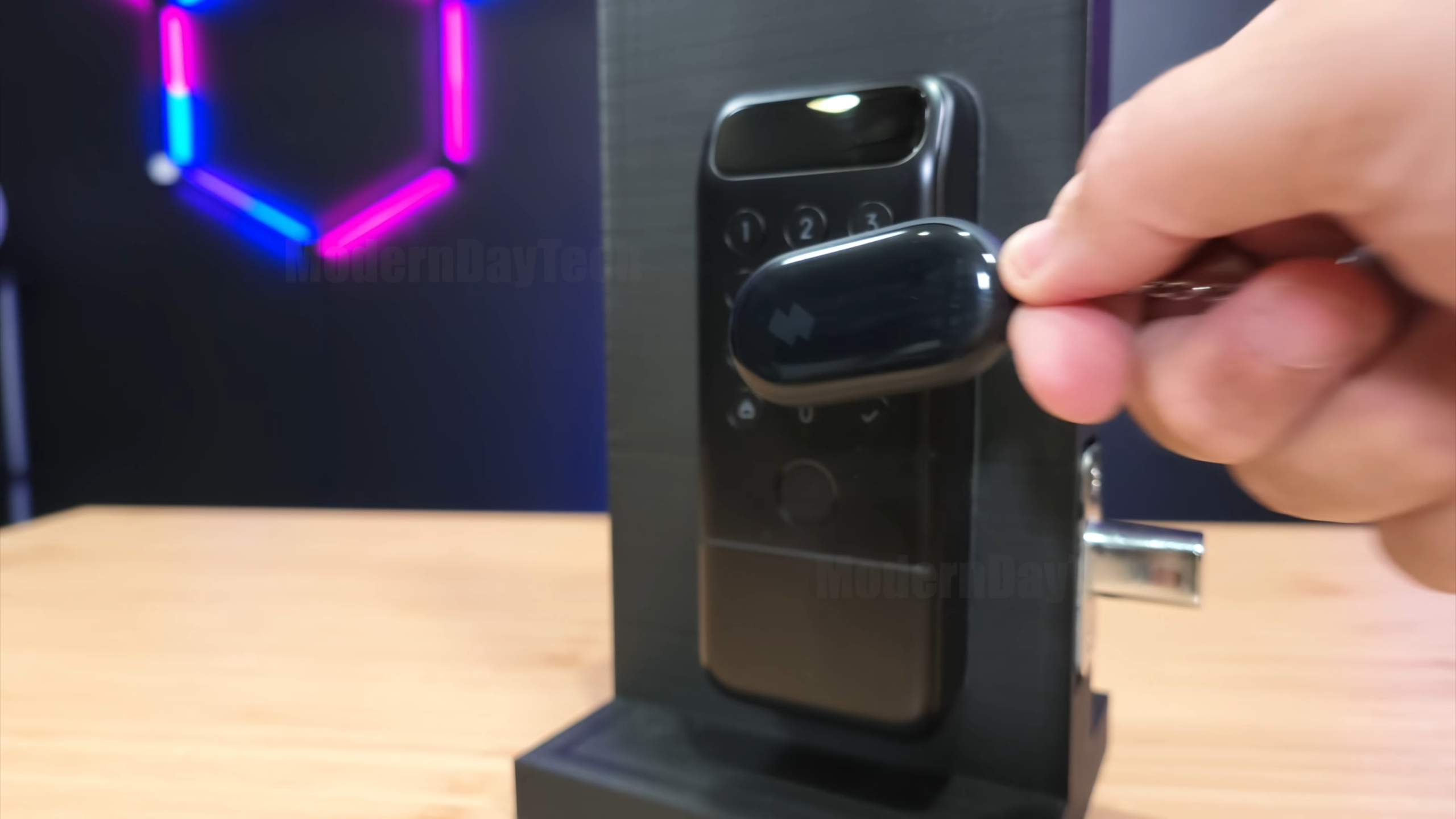
SwitchBot rates the 10,000mAh DualPower battery for up to 12 months. Heavy daily use across a busy household will pull that down, but a year on a single charge is the ballpark, and you’ll get low-battery alerts in the app before it’s an issue.
Clicking takes you to the seller's website. We may earn a small commission if you purchase, at no extra cost to you.
Get it now
SwitchBot Lock Vision Pro
Get the best price on Amazon →As an Amazon Associate I earn from qualifying purchases.